
Business overview
Read financial performance and position from the same transaction base.
- Profit & Loss Statement
- Balance Sheet
- Cash Flow Statement
- Trial Balance
Explore financial statements, sales performance, receivables, payables, expenses and India GST returns in one connected reporting workspace.
Reports center
Selected report
Profit & Loss Statement
Revenue
₹8.42L
Expenses
₹5.16L
Net profit
₹3.26L
The catalogue mirrors the latest Reports Center. GST return reports appear for India-region organisations.
Read financial performance and position from the same transaction base.
Understand which customers and items are producing billed value.
See unpaid customer invoices grouped by how long they have been outstanding.
Monitor supplier exposure and the purchases sitting behind it.
Review operating outlays with transaction-level detail.
Generate India-specific GST return views with the correct reporting period.
A report is generated for the chosen period from connected business records. Review the result before downloading or using it downstream.
Step 01
Invoices, expenses, customers, items and vendors provide the report inputs.
Step 02
Use a custom range, month, quarter or financial year based on the report.
Step 03
Subcidys filters the relevant records and calculates the selected report.
Step 04
Read headline totals and underlying rows before using the result.
Step 05
Download reports as PDF; GST reports also support Excel.
Select a custom date range for the core statements. P&L explains performance, the Balance Sheet shows position, Cash Flow shows movement, and Trial Balance exposes the ledger check behind the books.
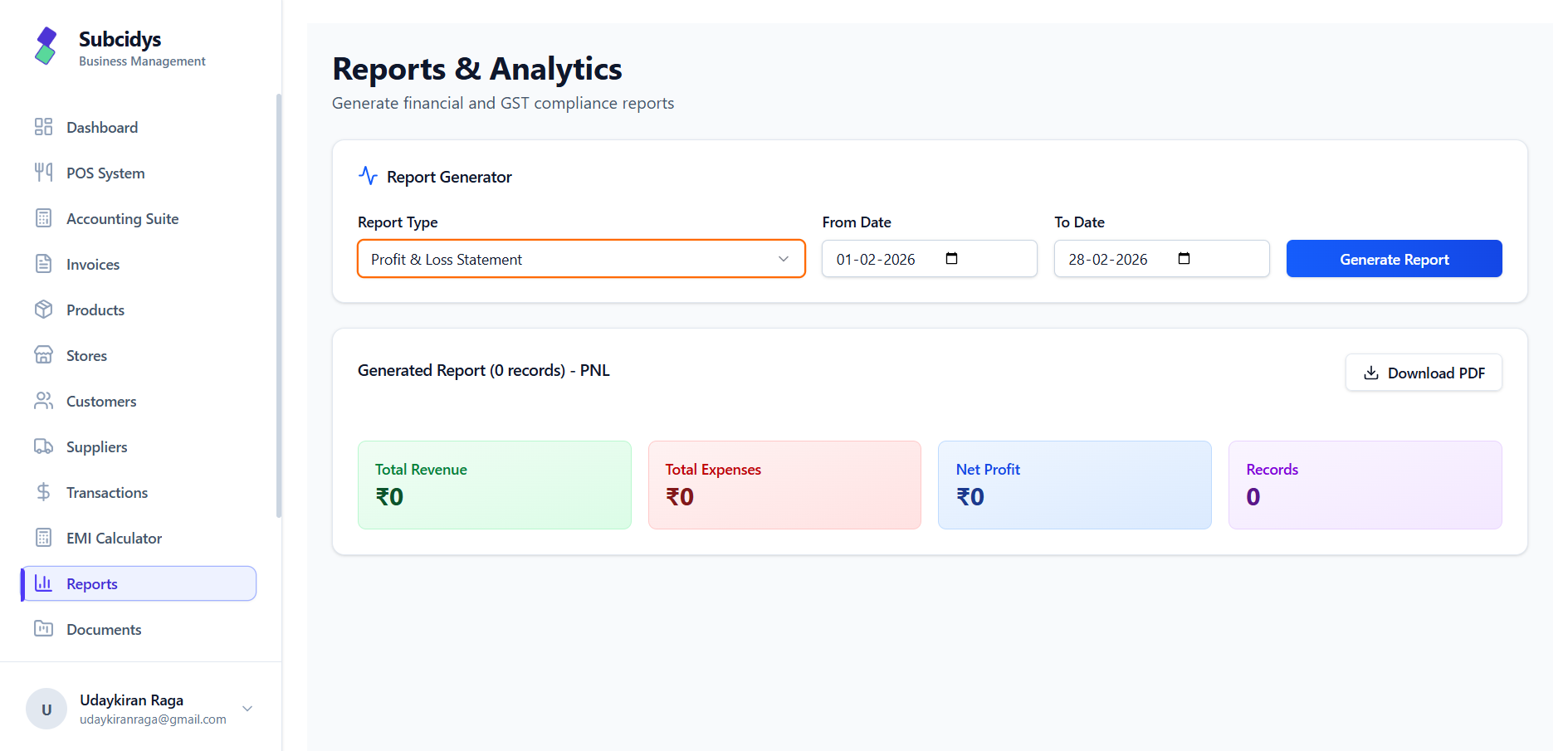
The latest library goes beyond headline statements. It separates sales performance, unpaid receivables, supplier exposure, purchases and operating expenses into focused views.
Customers
Items
AR ageing
Vendors
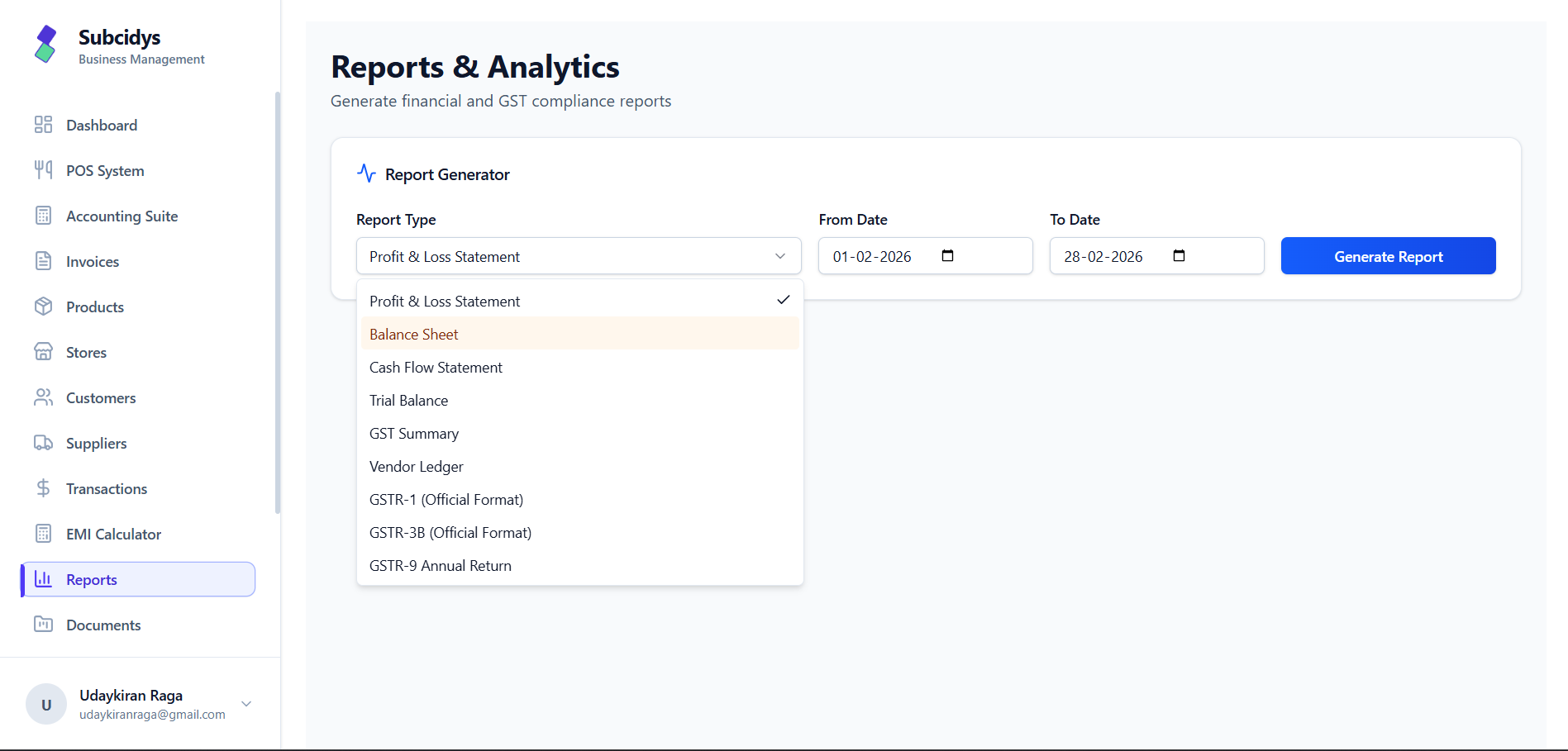
Choose the relevant month or quarter for GSTR-1 and GSTR-3B, or the financial year for GSTR-9. Generated returns can be reviewed in-app and exported as PDF or Excel.
Month or quarter
Invoice-level sales data
Quarter
Liabilities and input-tax-credit context
Financial year
Consolidated period activity
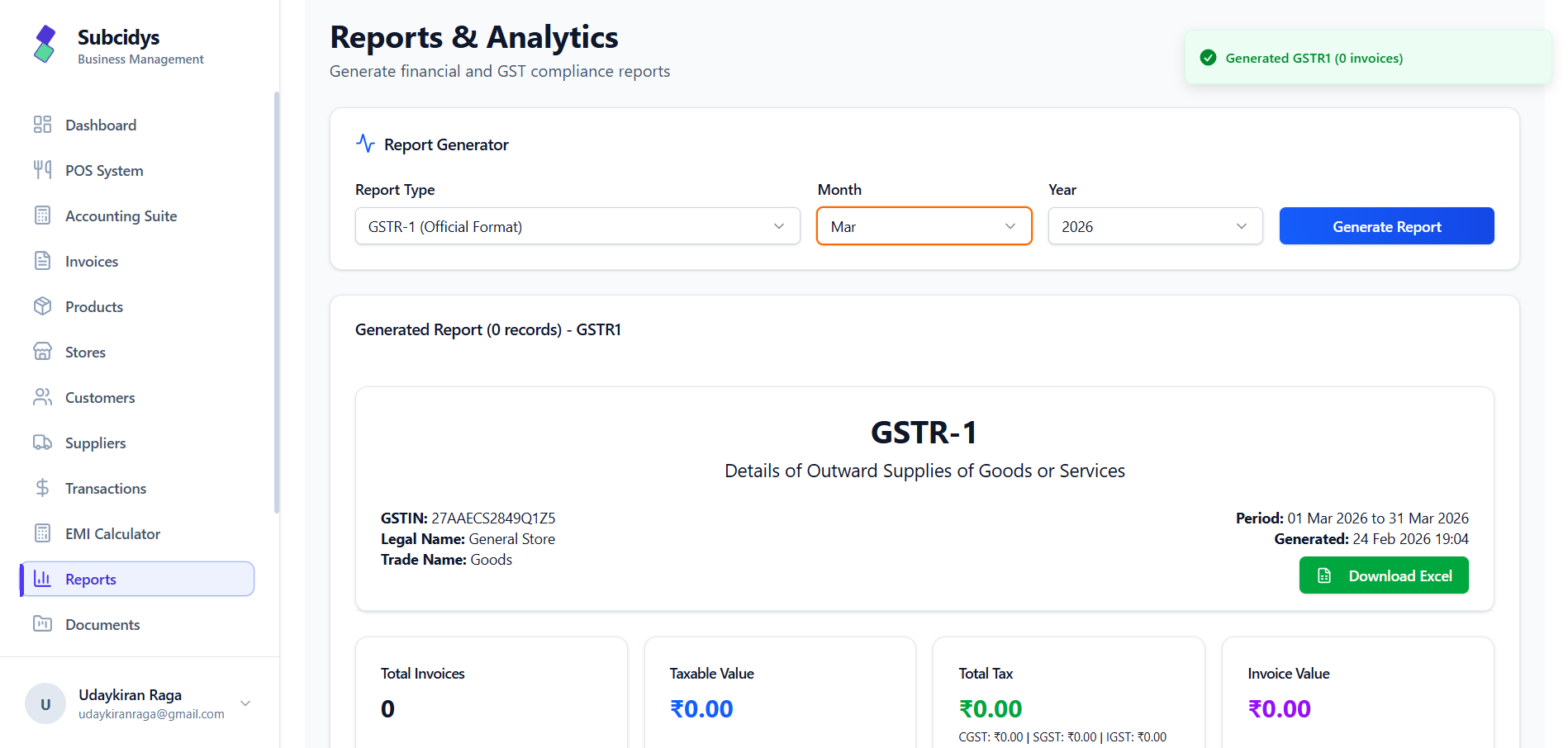
GST applicability, return frequency, due dates and filing obligations depend on registration, scheme and applicable law. Review the generated return before filing.
Each view has a specific operational question, so teams can start with the report that matches the decision they need to make.
Revenue, expenses and net profit for the selected period.
Assets, liabilities and equity at the reporting point.
Cash inflows and outflows across the selected date range.
Ledger balances used to check debit and credit equality.
Invoice value grouped by customer for account-level analysis.
Quantity and value grouped by the products or services sold.
Unpaid invoices separated into ageing brackets for follow-up.
Outstanding amounts due to individual suppliers.
Purchase and bill activity grouped by supplier.
A detailed view of general and operating expenses.
13
India report views
6
Reporting groups
Across report outputs
Excel
GST return exports
Move from live transactions to financial, operational and GST reporting without rebuilding the same business data in separate spreadsheets.
We use cookies to keep things running smoothly, remember your preferences, and understand how you use Subcidys. You’re in control. Learn more